"Complete" is the word buyers trust most, and the one that causes the most returns when it isn't true. Here's how to check a used set properly, whether you're selling it or just bought it.
Find the set's parts list
Search the set number on klodivo and open the set page. Its parts list shows every part, in its colour, with how many the set has. Minifigures are listed too.
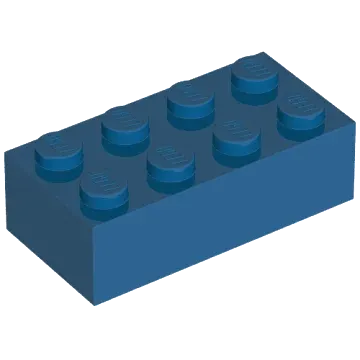
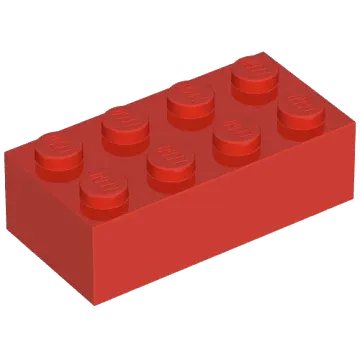 3001Brick 2 × 4, Red4 of 4✓
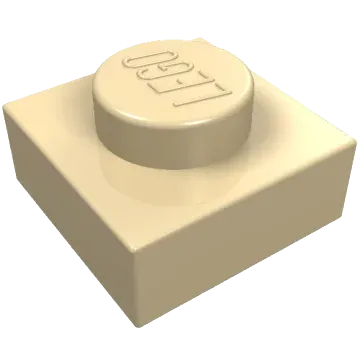 3024Plate 1 × 1, Tan12 of 12✓
 3069bTile 1 × 2, Trans-Clear1 of 2Missing 1
 3626cMinifigure head, Yellow2 of 2✓
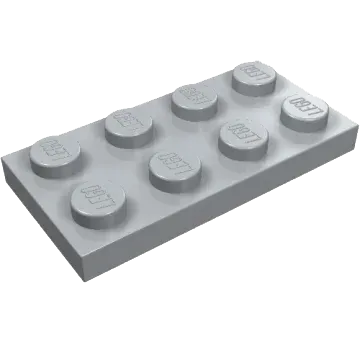
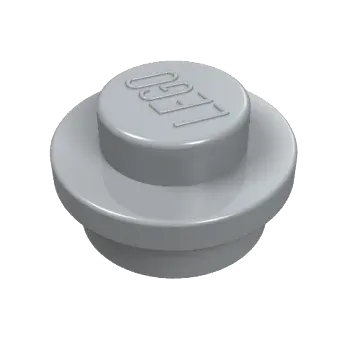 4073Plate round 1 × 1, Light Grey6 of 8Missing 2
Sort before you count
- Sort by colour first, then by shape. It's much faster than looking for each part in a mixed pile.
- Count the small parts carefully: 1×1 plates, tiles and round pieces are the ones most often missing.
- Many sets come with a few spare small parts. Extra pieces are fine, but they don't make up for missing ones.
Check the minifigures
Make sure every minifigure is there, with the right head, torso, legs and accessories. Mixed-up minifigure parts are a common surprise in used sets.

 Head
 Torso and arms
 Legs
 Accessory
Stickers, box and instructions
Say whether stickers are applied, unapplied or missing, and whether the box and instructions are included. These don't make a set incomplete, but buyers expect to know.
Something is missing: what now?
- Selling? List it as Used, incomplete and say exactly what's missing. Or buy the missing parts first and sell it as complete.
- Buying? Add the missing parts to a wanted list on klodivo. It finds stores that have them, and suggests the fewest parcels.
- Bought it as complete on klodivo and it isn't? Report a problem from your order within 14 days of delivery. Buyer protection covers items that aren't as described.
Missing a few parts? Put them on a wanted list. We find the stores that have them, with the fewest parcels.
Make a wanted listLEGO® is a trademark of the LEGO Group, which does not sponsor, authorise or endorse klodivo.